Start with decisions, not a list of events
A GA4 measurement plan is useful when it helps a team make a decision. A spreadsheet full of event names is not yet a plan: it may not say what each event means, when it fires, which parameters are required, or who checks that it works.
Begin with a short list of questions the organisation needs to answer. For an enquiry journey: How many visitors start the form? How many complete it successfully? Where do people encounter validation errors? Which channels lead to qualified enquiries?
Each question should map to an observable outcome and a specific action the team could take with the answer.
Build the plan from business outcome to implementation
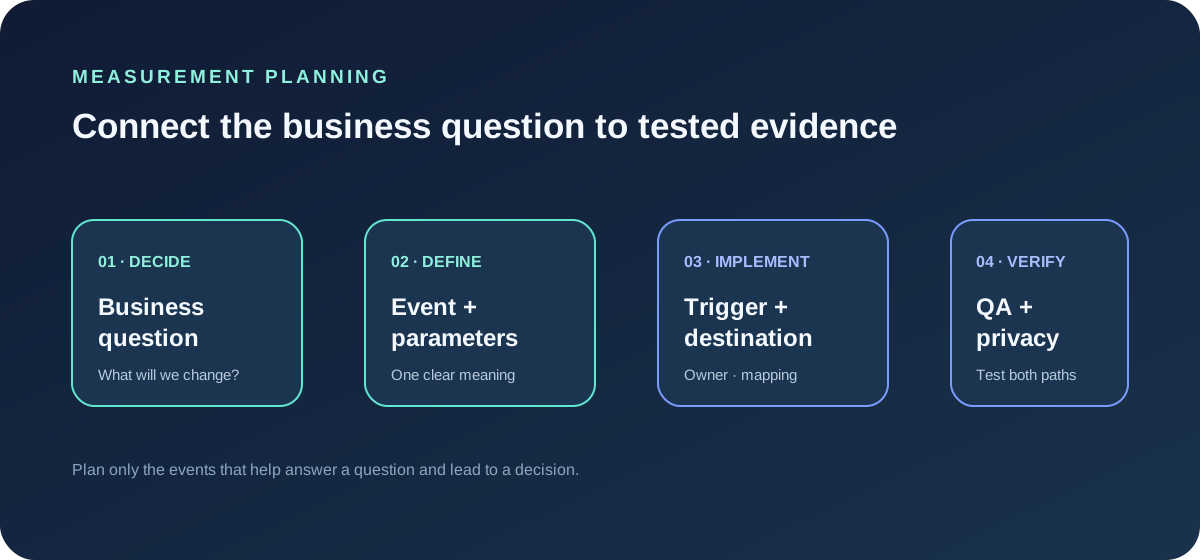
For each question, record the business question, journey stage, event, trigger, parameters, destination, owner and QA method. A lead-generation journey might look like this:
- Question: Do visitors begin the enquiry? Event: form_start. Trigger: first meaningful interaction with the form. Context: form_id and form_name.
- Question: How many enquiries succeed? Event: generate_lead. Trigger: confirmed successful response. Context: form_id and lead_type.
- Question: Where does the form fail? Event: form_error. Trigger: validation or server error shown. Context: form_id and error_type.
These are examples, not universal requirements. Use GA4 recommended event names where they fit the documented meaning. For other actions, choose clear custom names and document them. Do not send sensitive information such as names, email addresses, free-text form answers or other personally identifiable data as event parameters.
Define the trigger precisely
“Track the form” is too vague for implementation or QA. Decide whether the event means a button click, a form becoming visible, a valid submission attempt, or a confirmed successful response. Those moments answer different questions.
Prefer a trigger that represents the outcome you want to measure. For a lead, a click on Submit measures intent; it does not prove a lead was created. A confirmed success callback or thank-you state is stronger evidence of completion.
Write down what should not fire the event too. A validation error should not count as a successful lead. Reloading a confirmation page should not silently create a second conversion. These negative cases belong in the QA plan.
Keep event names and parameters readable
Use a consistent naming convention across the site. GA4 event names are case-sensitive; inconsistent spelling or casing can split one concept into multiple rows. Prefer a small, stable event vocabulary that describes behaviour rather than creating a new event for every page or button label.
Use parameters for context that changes while the underlying action stays the same. For example, one generate_lead event can carry a non-sensitive form_id or lead_type. Each parameter should have a clear definition, allowed values where practical, and a reason the team needs it.
Avoid collecting a parameter “just in case.” Extra fields increase maintenance and privacy risk, and make reports harder to use. Where values come from a controlled list, document that list and what should happen when a new value appears.
Map one business meaning to each destination
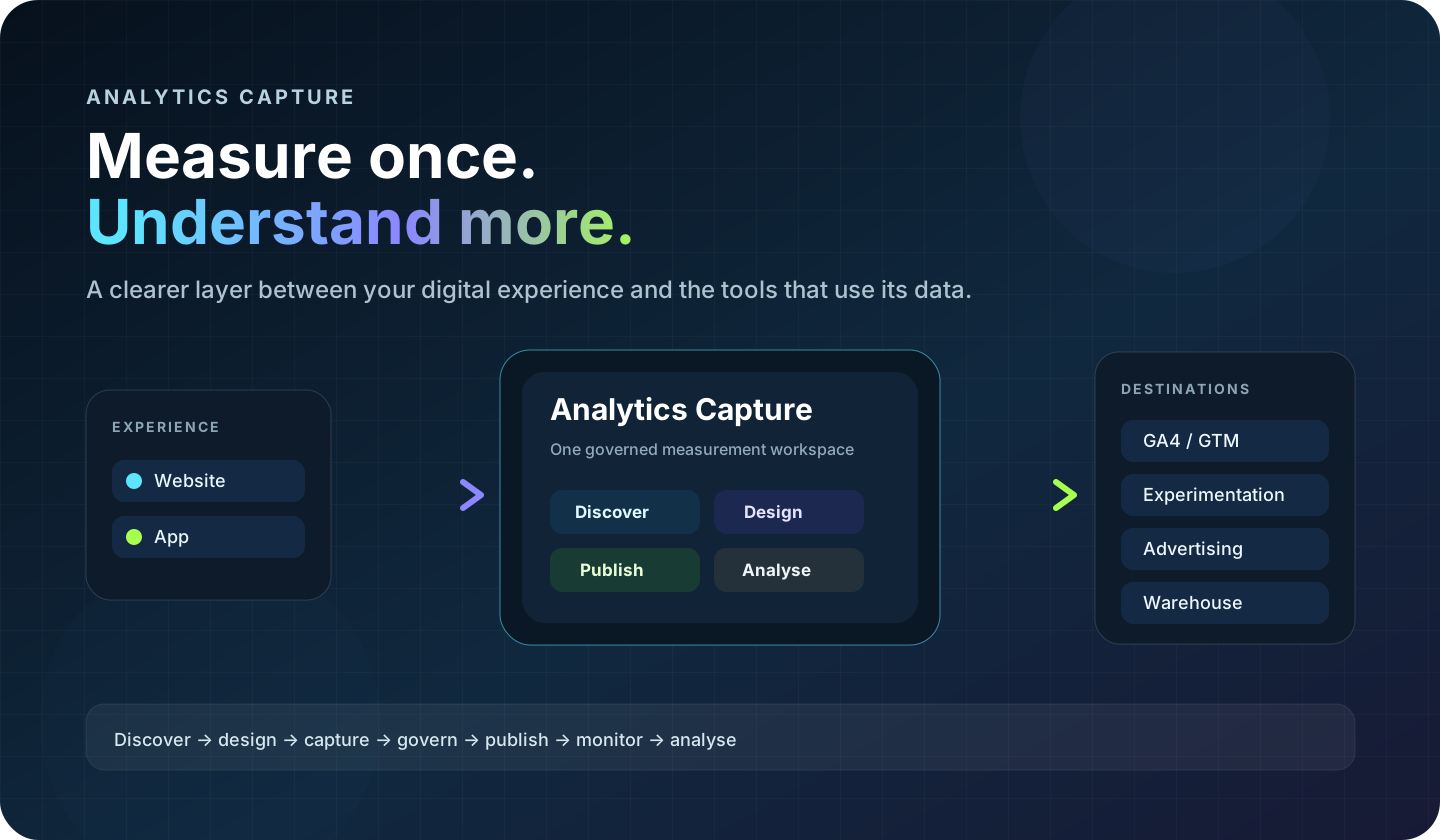
If an organisation uses GA4, an experimentation platform and a warehouse, the same business outcome may need different names or payload shapes in each destination. Keep the business meaning stable, then document destination-specific mappings.
For example, the internal concept “successful lead created” could map to the GA4 recommended event generate_lead, while a CRM or warehouse uses its own schema. Record those mappings explicitly so teams do not create slightly different definitions in every integration.
Do not treat a destination connection as proof of correct measurement. A valid OAuth connection or successful API request only proves that a technical link exists; it does not confirm that the right user action is being measured.
Add ownership and a release check
Every planned event should have an implementation owner and a named reviewer. Include the expected event, trigger, parameters and destination so the reviewer does not have to guess what correct means.
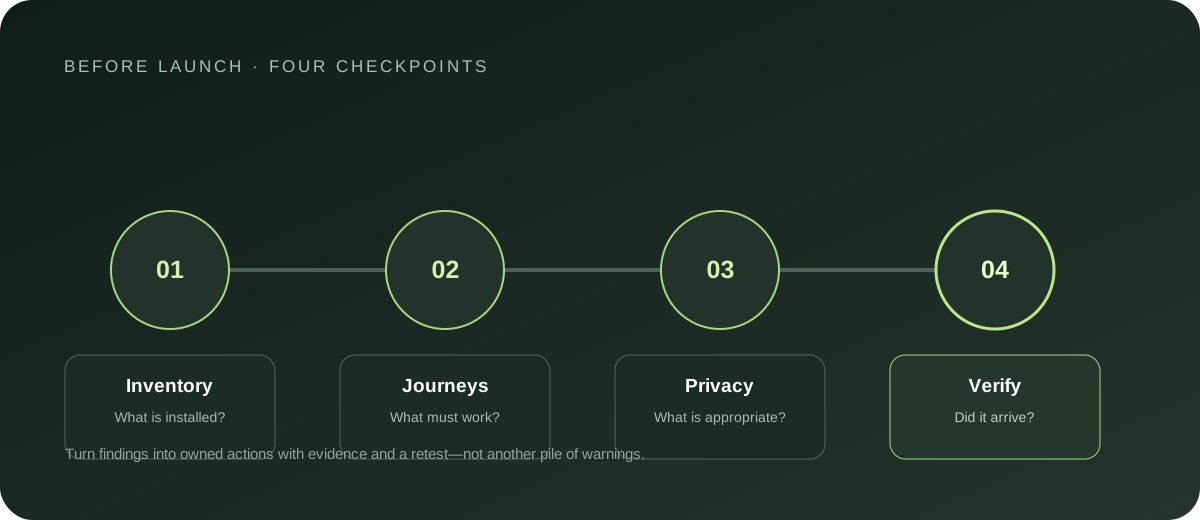
Before publishing, test that the intended action fires once, failed or abandoned actions do not count as success, required parameters have expected values, no personal data appears in the request, the event reaches the intended GA4 property, and reloads or retries do not create unintended duplicates.
After release, compare the live implementation with the plan. When a form or journey changes, update the trigger and QA cases at the same time. Treat the plan as a working contract between marketing, analytics, product, privacy and engineering—not a one-off handover document.
Keep the plan deliberately small
A good first version covers decisions that matter now. It does not need to catalogue every click, scroll and hover. Add an event when someone can explain what question it answers, how its trigger is verified, and who will use the result.
Review the plan periodically. Retire events that no longer support a decision, consolidate duplicates, and keep a change history for definitions that affect reporting. This reduces clutter while preserving control for teams that need the full implementation detail.
A reusable measurement-plan template
Copy these fields into your team's documentation:
- Business question
- Journey and business outcome
- Event name and definition
- Trigger and exclusions
- Required parameters and permitted values
- Destination and destination-specific mapping
- Privacy classification and collection rationale
- Implementation owner
- QA steps and expected result
- Status, release date and change notes
A plan built this way makes the work easier to review before launch and easier to trust after the data starts arriving.