A launch checklist should test journeys, not just tags
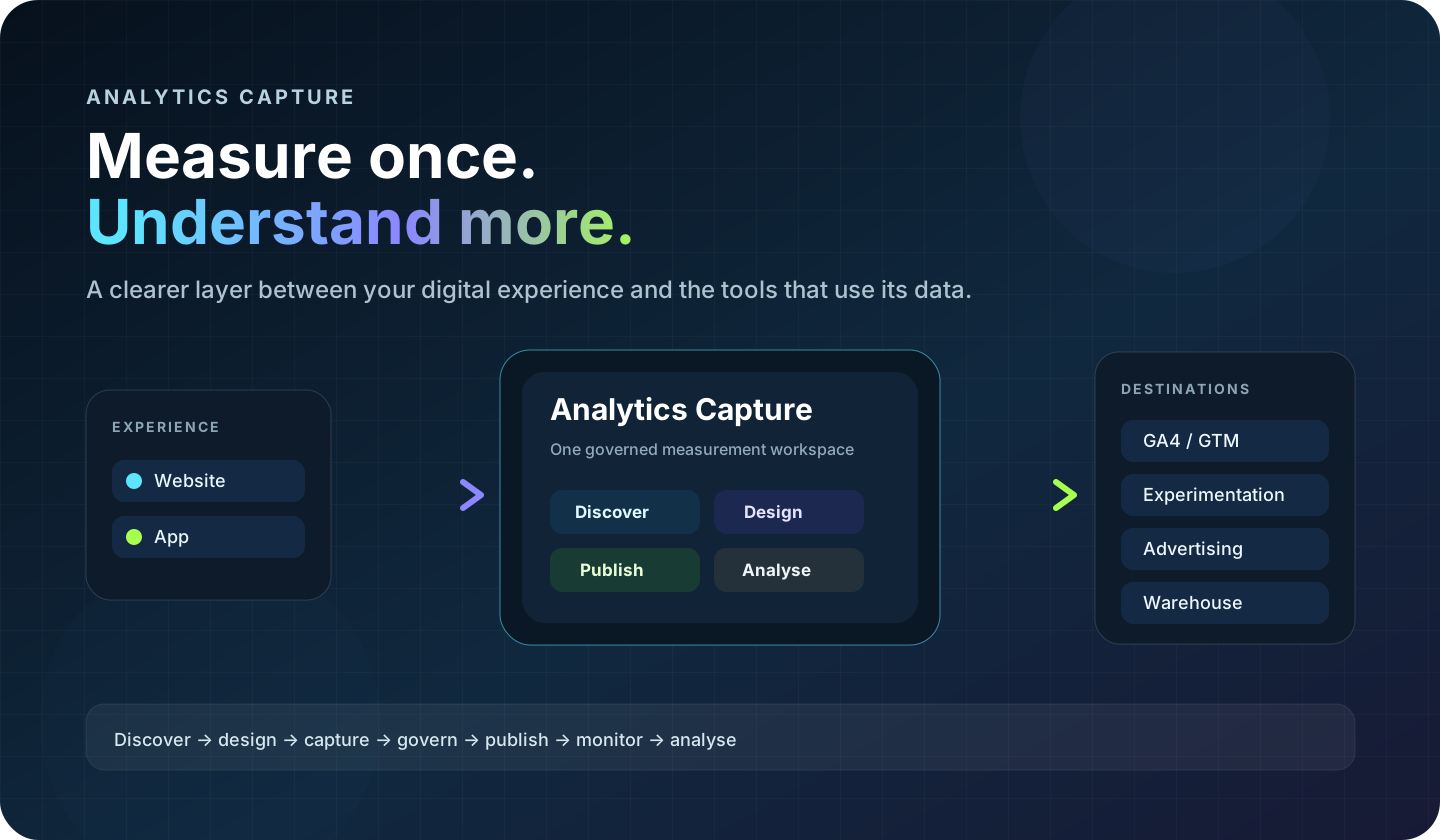
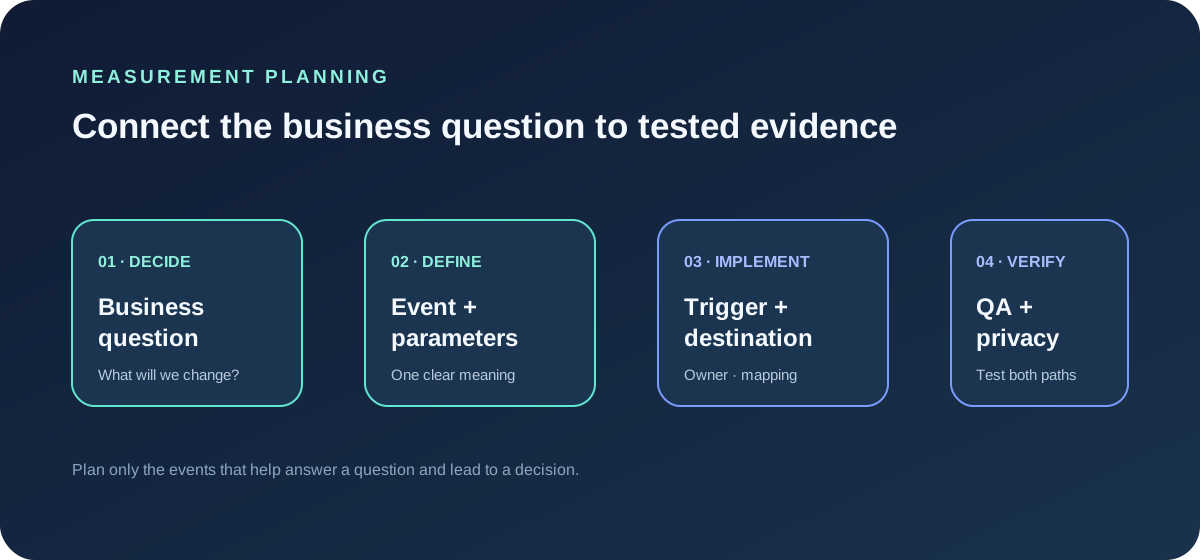
A website analytics audit is a structured review of what is installed, what it records, and whether the resulting measurement supports the questions a team needs to answer. Before a redesign, campaign launch or new form goes live, a few focused checks can catch missing or misleading data while there is still time to fix it.
A tag appearing in page source is only one piece of evidence. It does not prove that the right event fires, that the event is sent to the intended property, or that consent and privacy rules behave as expected.
1. Agree what success means
Choose the business outcomes and user journeys that matter for this release. Examples include a completed enquiry, a successful account signup, a purchase, or a return visit after a campaign. Write down what counts as success and who owns each measure.
Avoid auditing every possible interaction with equal effort. Prioritise the conversions and journeys that would make a launch decision wrong if the data were missing or misleading.
2. Inventory the implementation
Record the analytics and marketing technologies detected on the site, their owners, and the properties or destinations they should use. Include GTM containers, direct page tags, plugins and server-side senders where applicable. A detected tag manager is not proof that GA4 is installed correctly; confirm each intended destination separately.
Look for old containers, duplicate snippets and unexplained scripts. Do not remove a technology based on an audit result alone: confirm its owner and purpose before changing production.
3. Walk through the important journeys
Test the site as a real visitor would on desktop and mobile. For each priority journey, record:
- the starting page and steps taken;
- expected event names and when they should fire;
- the success and failure outcomes;
- the consent state used during the test;
- the destination where the event should appear.
For forms, distinguish opening a form, beginning to complete it, validation errors and a successful submission. For checkout or signup, test both the completed path and an interrupted path. This helps separate useful conversion evidence from click counts that overstate success.
4. Verify events and parameters
Compare observed events with the agreed measurement definitions. Check spelling, naming consistency, required parameters, values, and whether the event is sent once per intended action. Confirm the property or destination, not just that some request occurred.
Inspect parameters for unnecessary detail and personal data. Never send names, email addresses, phone numbers or free-text form values to GA4. If a parameter can contain user-entered content, it needs particular scrutiny and should generally not be collected in analytics.
5. Check consent behaviour deliberately
Document the expected outcome for each relevant consent state. Test the banner or consent integration using the organisation’s approved policy and verify the actual tags and outgoing requests. Make sure an explicit denial is respected when enforcement is enabled. Do not infer compliance from the presence of a consent banner; verify the implementation and involve the appropriate privacy owner where needed.
6. Confirm destination delivery
Use the relevant platform’s current debugging and realtime tools to confirm that test events arrive at the intended destination. Check whether the event is visible with expected values and whether any filters or processing rules affect the result. Record the test timestamp, property or destination, and outcome so another person can reproduce it.
7. Turn findings into a short action list
Group findings by impact and confidence. A broken primary conversion with reproducible evidence should be handled before a cosmetic naming inconsistency. Label uncertain observations for investigation rather than presenting them as proven defects.
- Launch blocker — primary signup completion does not reach the intended property: fix and retest before launch.
- High — one action sends the same event twice: identify both senders and assign a single owner.
- Review — a parameter may contain user-entered text: remove it or obtain privacy review.
- Cleanup — event names differ across similar journeys: agree a definition and plan a controlled update.
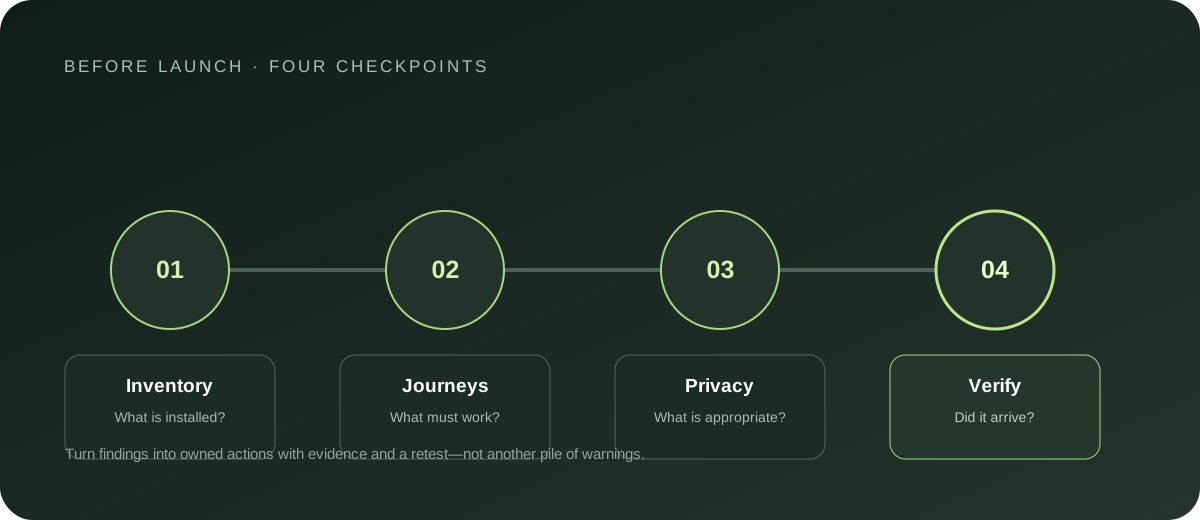
Give every finding an owner, evidence, status and retest condition. That keeps an audit from becoming a long, unactionable spreadsheet.
A repeatable audit record
For each important event, capture the business meaning, trigger, expected parameters, destination, consent assumption, observed result and date tested. Keep the record with the implementation decisions and update it when the journey changes.
Analytics Capture’s free website audit helps surface implementation evidence and possible gaps. Use audit findings as leads to investigate, then confirm them with a controlled user journey and destination-level verification. The goal is a short, trustworthy list of what to fix and how to prove the fix worked.